Last Tuesday, a homeowner in Parramatta found themselves staring at a blinking sun icon while the Sydney humidity hit 85 percent outside. It’s a common frustration when your remote feels like it’s written in a secret code rather than helping you stay cool. We agree that there’s nothing more stressful than trying to set a comfortable temperature and realizing you don’t understand the daikin air conditioner symbols staring back at you. You bought a premium system for its reliability, so it’s frustrating when you can’t access the features you paid for.
Our team wants to ensure your home remains a sanctuary. This guide will decode every icon on your remote or wall controller so you can master your energy efficiency. We’ll show you how to optimize settings for the unique Sydney climate and identify when a symbol indicates it’s time to book a professional service. You’re about to turn that confusing controller into a simple tool for year-round comfort and lower power bills.
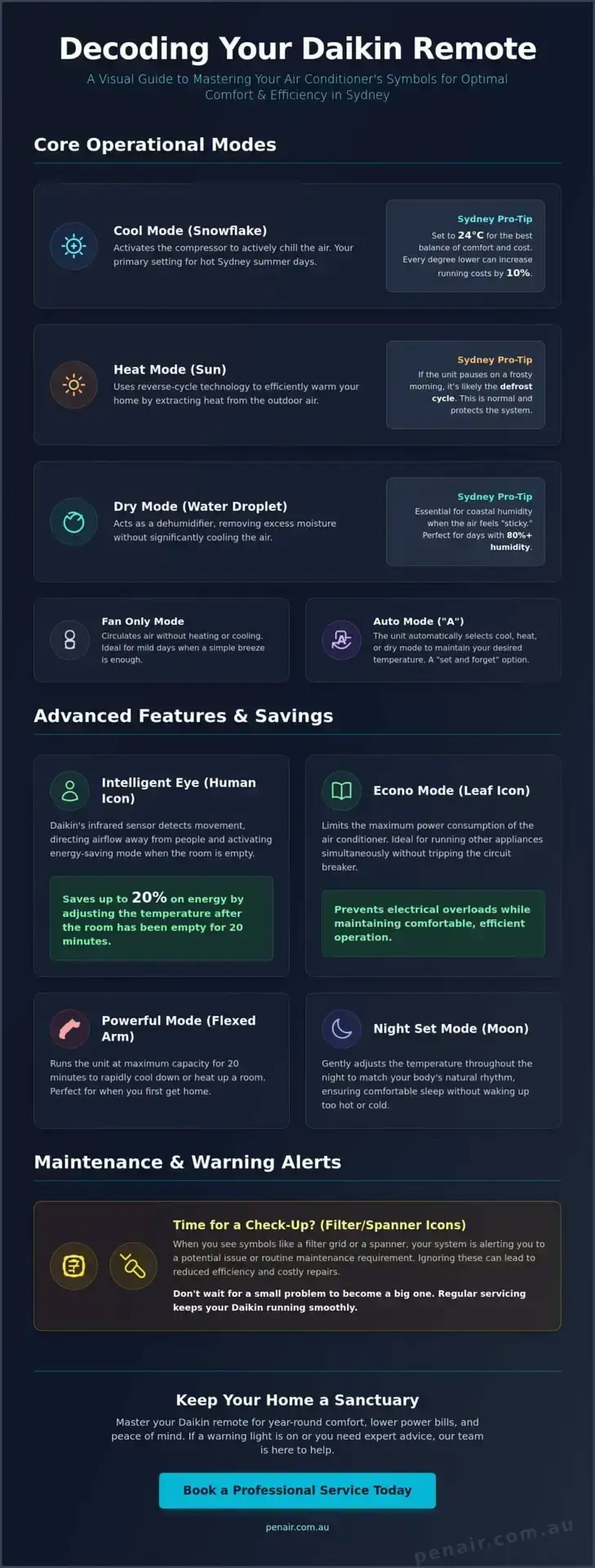
Understanding the “Mode” button is the first step toward mastering your home comfort. When you cycle through your controller, you’ll see a series of daikin air conditioner symbols that dictate how the system treats your air. Each icon represents a specific mechanical process designed to handle Sydney’s unique weather patterns. Whether it’s a scorching January afternoon or a crisp July morning, selecting the right mode ensures your system runs efficiently without wasting power.
In our experience, many homeowners struggle to find the balance between comfort and cost. Setting your Snowflake icon to 24°C is the “sweet spot” for Sydney energy bills; every degree lower can increase your running costs by 10 percent. During winter, the Sun symbol is your most cost-effective heating option. On those rare frosty Sydney mornings when the mercury dips toward 2°C, you might notice your unit stop temporarily. Don’t worry; this is just the “defrost cycle” clearing ice from the outdoor unit to keep things running smoothly. This process is a standard part of modern air conditioning technology that protects your investment.
Sydney’s coastal location means humidity often hits 80 percent or higher during “East Coast Low” weather events. This is where the Water Droplet symbol becomes essential, especially for Northern Beaches homes. While Cool Mode focuses on dropping the temperature, Dry Mode specifically targets water vapor. It runs the compressor at a lower speed to condense moisture on the internal coils. If you find your home feels “sticky” even when the air is cool, switching to this mode can make a massive difference. For more detailed advice on choosing the right system for your property, check out our guide on Daikin air conditioning Sydney to see which models offer the best dehumidification features.
Once you’ve mastered the basic modes, it’s time to look at the smart features that actually save you money on your quarterly power bills. These advanced daikin air conditioner symbols represent the cutting-edge technology that makes these units a favorite for Sydney families. Understanding these icons allows you to customize your environment without manually adjusting the thermostat every hour. It’s about letting the machine do the hard work for you while you focus on your day.
The Human Icon represents the Intelligent Eye, a dual-zone sensor that’s particularly useful in Sydney home offices and open-plan living areas. This clever feature detects when you’re in the room and can even direct airflow away from you to prevent those annoying cold drafts. If the sensor detects that the room has been empty for 20 minutes, it automatically switches to an energy-saving set point. This sensor reduces energy by 20 percent if a room is empty for 20 minutes, ensuring you aren’t paying to cool an empty space while you’re out running errands in the CBD. Aligning your usage with ENERGY STAR recommendations for smart operation is the best way to keep your long-term costs down.
We often see homeowners get confused between the flexed arm and the leaf symbols. Think of the flexed arm as your “emergency” cooling button. When you arrive home after a long day and the house feels like an oven, this mode provides a 20-minute blast of maximum capacity to get you comfortable fast. Conversely, Econo mode is about stability. It restricts the unit’s maximum power draw, which is vital if you’re running multiple appliances like a dishwasher and dryer simultaneously. This prevents you from tripping your Sydney home’s circuit breaker during peak usage times. If you’re considering upgrading to a system with these smart features, our team can guide you through a Daikin air conditioning installation Sydney to find the perfect fit for your floor plan.
Our experts are always available if you need help fine-tuning these settings for your specific home layout. You can contact us for a professional consultation to ensure your system is performing at its peak efficiency.
Seeing a flashing light on your indoor unit or a strange icon on your remote can cause immediate concern. Most of the time, these daikin air conditioner symbols aren’t a sign of total system failure. They’re often helpful prompts designed to protect your investment and maintain air quality. Understanding these alerts helps you decide whether you can fix the issue with a quick clean or if you need to call in our professional team for a repair.
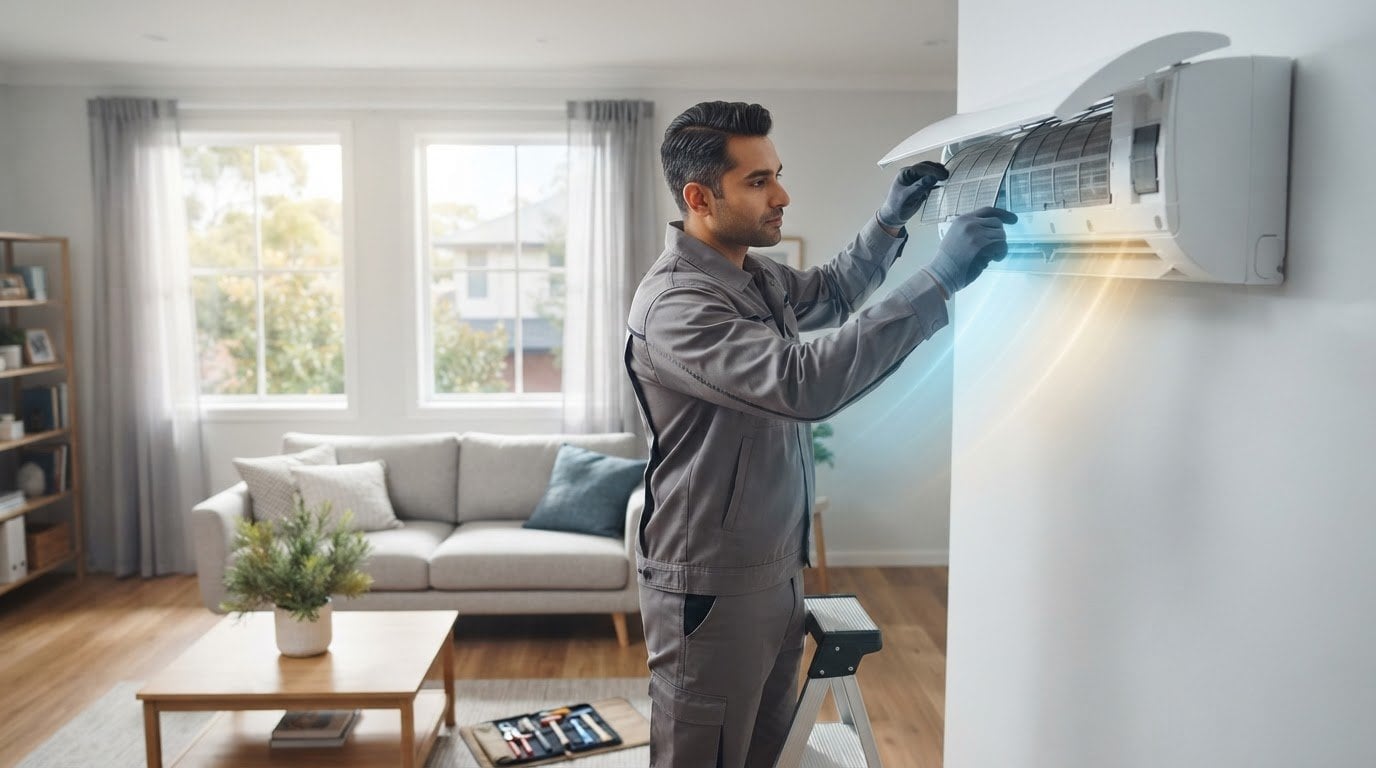
If you live in a coastal suburb like Manly or Dee Why, salt air makes filter maintenance even more critical. Salt spray and high humidity can cause dust to clump together more quickly, restricted airflow and putting strain on your motor. The filter sign is a timer-based reminder, not a sensor of actual dirt. It typically appears after 250 hours of operation to ensure you stay ahead of buildup. Once you’ve washed and dried your filters, you’ll need to press the “Filter Sign Reset” button on your controller to clear the icon. Neglecting this simple task can lead to a 15 percent drop in efficiency over just a few months.
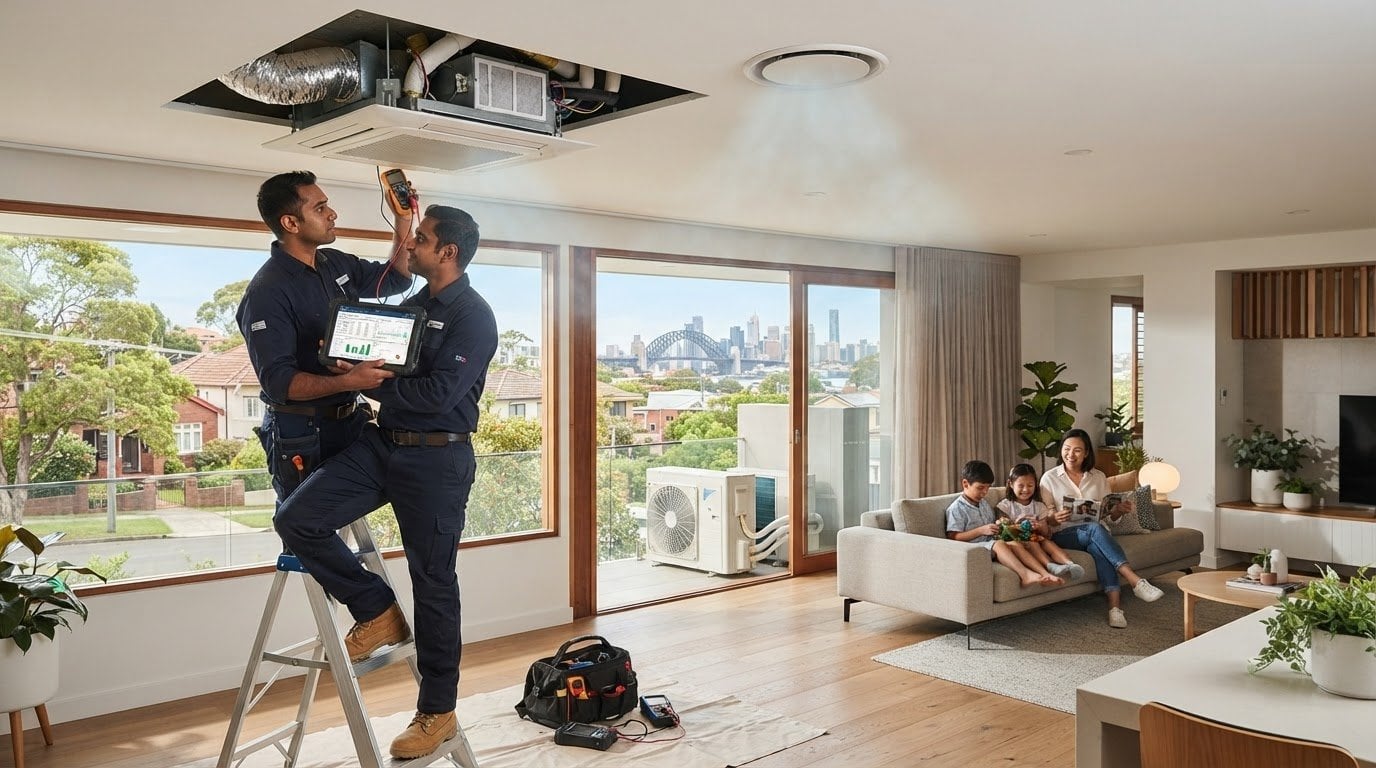
When the spanner icon appears, your system is trying to tell you exactly what’s wrong. You can retrieve a specific error code by holding the “Cancel” button on your remote for five seconds until the temperature display changes to “00” and then cycling through the list until you hear a long beep. Some common codes like U4 often indicate a simple communication glitch between the indoor and outdoor units. In many cases, this might just need a power reset at the isolator switch for 10 minutes to clear the memory. However, codes like L5 or E7 point to electrical or motor issues. If a code persists after a reset, it’s time to contact a Daikin specialist to prevent further damage. We’ve seen that addressing these codes early can save homeowners from much larger repair bills down the track.
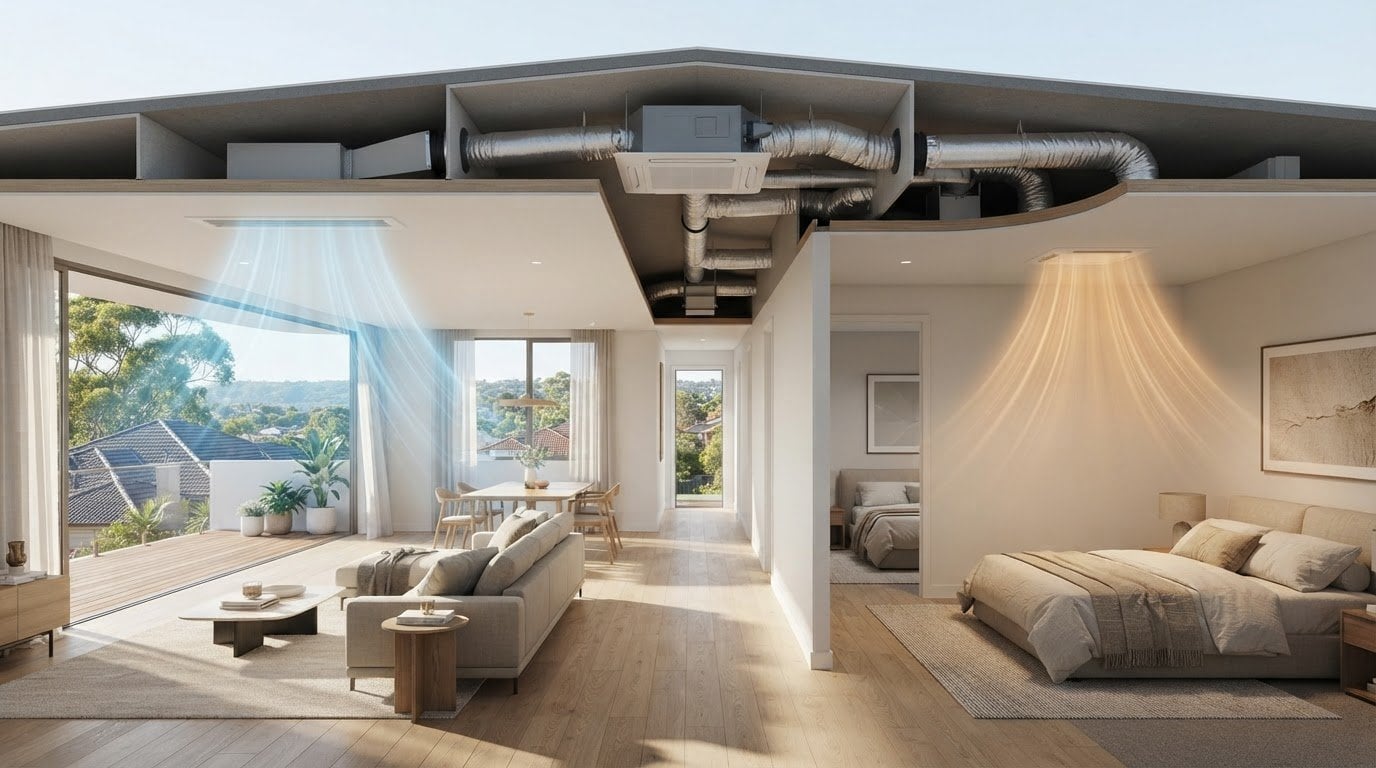
The visual language of your system changes slightly depending on whether you’re using a handheld remote or a wall-mounted panel. While the daikin air conditioner symbols for cooling and heating remain consistent, the way you interact with zones or timers varies between models. We often find that homeowners with ducted systems feel overwhelmed by the additional icons on their zone controllers, but these are actually the keys to significant energy savings in a large Sydney home.
In a typical two-story Sydney residence, your ducted system is likely divided into 4 or 6 specific zones. On your wall panel, an “Active” zone is usually highlighted with a solid box or a lit-up number, while an “Inactive” zone remains dark. Learning to use the “Clock” symbol to schedule these zones is a game-changer. For instance, you can program the bedrooms to deactivate at 8:00 AM and the living areas to prime themselves for your arrival at 5:00 PM. In multi-controller setups, the “Master” controller has the authority to change the mode for the entire house, while the “Slave” unit in another room can only adjust the temperature within the master’s chosen mode.
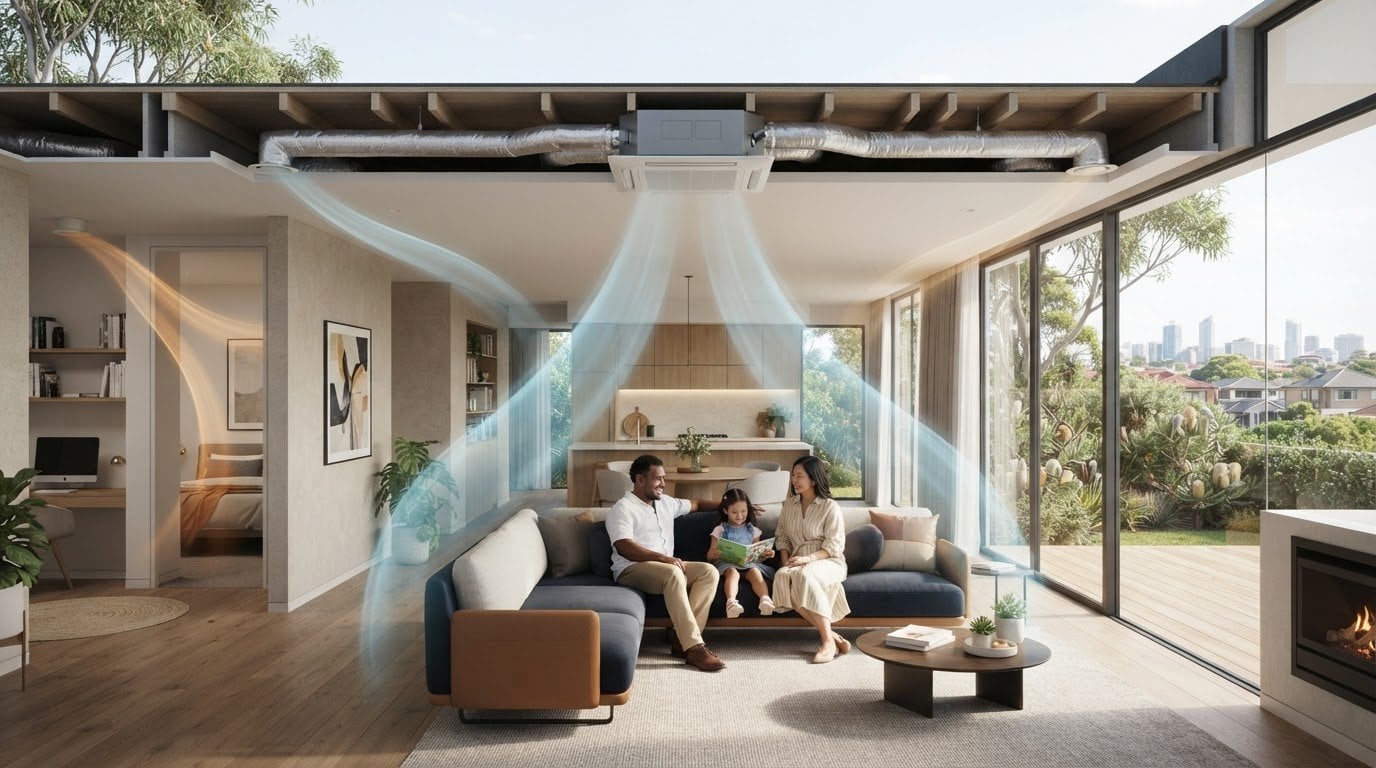
The “Swing” icons look like a series of curved lines moving either vertically or horizontally. On premium Daikin models, the “3D Airflow” symbol combines both vertical and horizontal movement to circulate air into every corner of a large open-plan living room. This is much more effective than a single-direction blast. If you’ve ever experienced “Aircon Neck” from sitting directly under a vent, look for the “Comfort” airflow setting. This icon, often showing an arrow pointing upward, ensures the air is directed toward the ceiling rather than straight down on the occupants. It creates a gentle, indirect cooling effect that feels far more natural.
If your wall controller screen is blank or the buttons aren’t responding to your touch, it might be more than a simple settings issue. For any persistent controller faults or to upgrade your current panel, our expert technicians are ready to help with a professional diagnostic visit to restore your home’s comfort.
Sydney weather is famously unpredictable, often delivering a 15-degree temperature swing in a single spring day. To handle these fluctuations without constant manual adjustments, we recommend using the “Auto” mode. This allows your system to transition between heating and cooling automatically to maintain your desired comfort level. Mastering these daikin air conditioner symbols is the best way to ensure your home remains a sanctuary regardless of what’s happening outside in the CBD or out west.
Efficiency in our climate is all about the gap between the indoor and outdoor temperature. We’ve found that 24°C in summer and 20°C in winter are the gold standards for Sydney efficiency. If you’re heading out for a day at Manly Beach, don’t just turn the system off. Instead, use the “Setback” symbol. This feature ensures the room temperature doesn’t climb too high, so the compressor doesn’t have to run at maximum capacity for two hours when you get home. For those living in high-density suburbs like Surry Hills or Parramatta, the “Quiet” mode symbol is your best friend. It lowers the outdoor fan speed, ensuring you meet local council noise regulations during the night.
Sometimes, even a perfect understanding of your controller isn’t enough to solve a performance issue. If you see an error code that persists after a power reset, it could indicate a refrigerant leak or a significant electrical fault. These aren’t DIY fixes. We’ve seen many cases where a simple “Filter” light was ignored, leading to a burnt-out motor that cost four times as much to replace. Our team at PenAir has over 25 years of experience servicing the local community, and we know exactly how Sydney’s salt air and humidity affect these machines. When the icons on your screen don’t match the air coming out of your vents, it’s time to book a professional air conditioning service in Sydney.
Trusting your Daikin means knowing when to let the technology work and when to call in the experts. If your system is showing persistent warning symbols or isn’t hitting those 24°C targets, contact PenAir today for a professional diagnostic. We’re a family-owned business dedicated to keeping your home comfortable all year round.
Decoding your daikin air conditioner symbols is the final step in moving from a passive user to a master of your indoor climate. You now know how to manage Sydney’s humidity with Dry Mode and how to leverage smart sensors to lower your energy bills by 20 percent. These small adjustments ensure your system lasts longer and performs better when the temperature hits those extreme summer peaks. It’s about more than just a remote; it’s about creating a sanctuary for your family.
If those warning lights persist or you want to ensure your system is perfectly tuned for the coming season, we’re here to help. As an Authorised Daikin Specialist Dealer, our family-owned team has been a trusted local presence in Sydney since 1999. Our expert technicians serve the Northern Beaches and surrounding suburbs with the professional care your home deserves. We don’t just fix machines; we look after your comfort with honesty and punctuality.
Book a Professional Daikin Service with PenAir Today and enjoy the peace of mind that comes with a perfectly calibrated system.
The snowflake icon indicates Cool Mode, which is the setting you’ll need for those blistering 35°C Sydney afternoons. It activates the compressor to actively remove heat from your home and lower the indoor temperature. For the best balance of comfort and cost, we recommend keeping your thermostat set to 24°C when using this mode to avoid unnecessary strain on the system.
The sun icon represents Heat Mode, and having it active during summer will prevent your unit from cooling. This often happens when the mode is accidentally changed while handling the remote. Simply press the “Mode” button until the snowflake appears to restore cooling. This sun mode is your most efficient heating option for the cooler months between June and August.
The water droplet represents Dry Mode, which specifically targets high humidity without significantly chilling the air. It’s a lifesaver for coastal residents facing 85 percent humidity during an East Coast Low weather event. This mode runs the fan at a lower speed to pull moisture from the air, making your living space feel much more comfortable without the “ice box” effect of standard cooling.
You can clear the rectangular grid icon by pressing the “Filter Sign Reset” button after you’ve finished cleaning. This symbol is a pre-programmed timer that appears every 250 hours of operation. It doesn’t actually sense dirt, so it’s vital to manually check your filters every few weeks even if the light hasn’t appeared yet, especially if you have pets or live near busy roads.
A flashing green light usually means the unit has entered a protective state or detected a technical fault. You should first try a “hard reset” by turning off the power at the outdoor isolator switch for 10 minutes. If the light continues to blink after the power is restored, use your remote to retrieve a specific error code so our technicians can diagnose the issue quickly and accurately.
The Intelligent Eye looks like a small human figure and represents Daikin’s infra-red movement sensor. It detects when people are in the room to direct airflow away from them and save energy. If the room stays empty for 20 minutes, the system shifts to an energy-saving set point to reduce power consumption by 20 percent, ensuring you aren’t paying to cool an empty room.
The “Powerful” mode, shown as a flexed arm, only runs for 20 minutes at a time before reverting to normal operation. If you don’t notice a change, the compressor might be in a 3-minute delay cycle to protect the motor from damage. This feature is designed for a quick temperature boost when you first arrive home, rather than for continuous use throughout the entire day.
While you can’t change the icons themselves, the daikin air conditioner symbols on a ducted zone controller provide more detailed information than a standard split system remote. You’ll see specific indicators for different zones, such as “Living” or “Bedrooms,” which allow you to selectively cool parts of your home. This is much more efficient than running the entire system at once and helps manage your quarterly electricity costs.